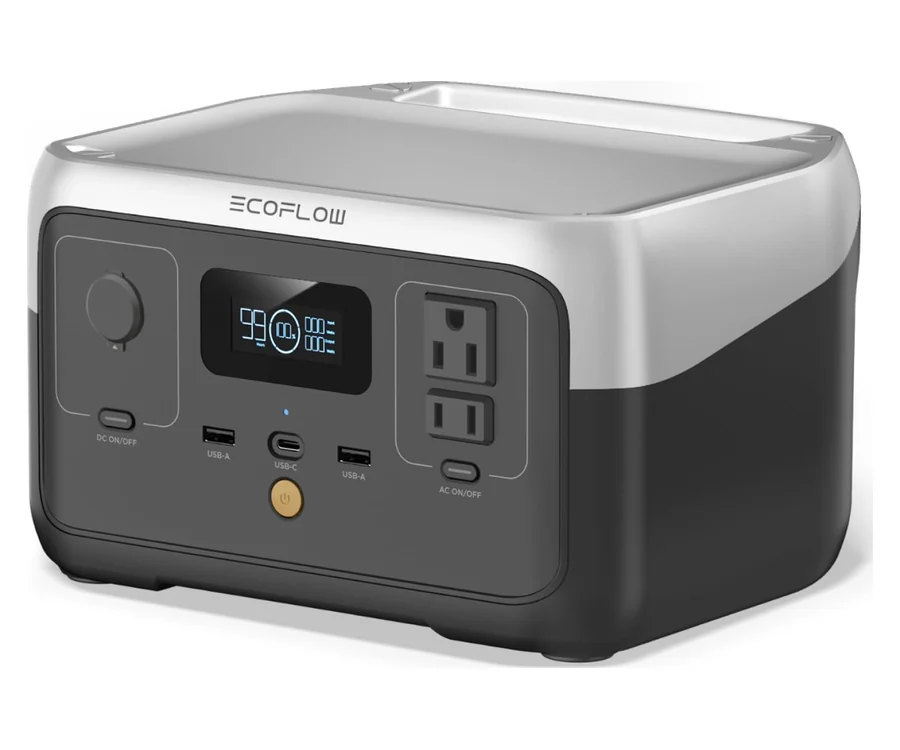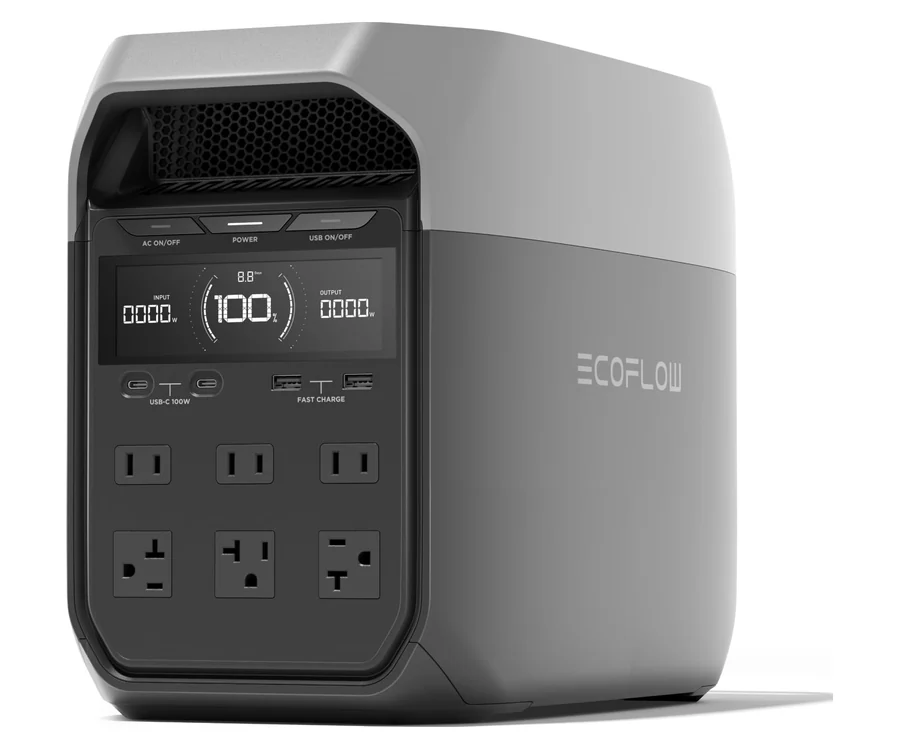
Before an outage: prepare the equipment
Identify the appliances and communications equipment you need first. Check their loads, suitable cables and the location where you will use the station. Keep the manufacturer’s operating instructions accessible offline.
Check charge level and battery condition as part of your preparedness routine. Follow the model’s storage and charging guidance rather than assuming every battery should remain at the same charge percentage indefinitely. Keep equipment accessible, with ventilation and protection from water.
During an outage: ration by importance
Connect only loads that the station supports. Reduce unnecessary consumption, keep track of remaining charge and reassess priorities if power restoration takes longer than expected. A percentage display is an estimate, not a guarantee of a specific number of hours.
An example 20W router load over ten hours uses 200Wh at the device before losses. A 1,000W heating appliance uses the same amount in only twelve minutes. The difference explains why prioritizing low-power essentials can matter more than the headline output rating.
Recharging changes the plan
A second battery, compatible solar input or access to an operating outlet can extend coverage, but each needs planning. Solar charging depends on weather and placement. A car or alternator charging setup must match the station and vehicle instructions.
Do not introduce an unsafe charging source just to restore battery level. If using a fuel-burning generator as a separate charging source, follow its outdoor placement and carbon-monoxide precautions. A battery station does not make an indoor generator safe.
After the power returns
Inspect cables and equipment, recharge according to the manual, and record what used more energy than expected. Adjust your load list before the next outage. Replace a guessed runtime with a measured energy budget where practical.
Use the home-backup guide for sizing and installation boundaries, the refrigerator guide for cycling loads, and the CPAP guide for provider-led medical backup planning. The product shortlist below is a starting point for comparing specifications, not emergency-duration certification.
Use a three-stage checklist rather than a new shopping list
This page addresses preparation and operation around an interruption. If you have not selected a station, begin with the home-backup buying guide. Once you have a model, keep a record of its exact configuration, required cables and a small set of priority loads. The useful plan is one another person in the household can follow without reconstructing your research.
Before an interruption, follow the manual’s storage and charging instructions, check that the intended devices connect properly and confirm how output shutdown or power-saving settings behave at your actual load. A light test on a phone charger does not establish refrigerator startup behavior or overnight performance.
| Stage | Primary task | Record to keep |
|---|---|---|
| Before | Charge and check the intended setup | Cables, settings and device priorities |
| During | Monitor remaining energy and loads | Consumption and realistic recharge options |
| After | Recharge, inspect and revise | What worked and what needs adjustment |
Recalculate the remaining energy as priorities change
Suppose 400Wh is your remaining usable-energy allowance and you estimate the next four hours will need 60W on average. That planned load uses 240Wh, leaving 160Wh within the assumed allowance. Adding another 100W constant load for two hours would consume 200Wh and overrun that plan. The example shows why a watt-hour budget is more useful than counting connected devices.
Treat the station display as an input to your plan, not proof that every device can keep running for the displayed time. Changes in load, cycling appliances and the station’s own consumption affect the result. Keep any medical or temperature-sensitive requirement under its separate equipment and safety guidance rather than relying on an optimistic general estimate.
Understand watts, watt-hours and estimates →Plan refrigerator loads separately →
Turn one interruption into a better documented plan
After grid power returns, record which devices were used, how the charge level changed and which recharge options were actually available. Keep observations separate from guesses: a short run is not evidence for a multi-day claim. Check the unit and its cables in line with the manual before storing it again.
If the experience revealed a capacity shortfall, revisit the load budget before buying accessories. An extra battery helps only when the exact station supports that model and the required connection. If solar was impractical because of shade or placement, buying a larger nominal panel may not solve the problem. The next purchase should address the observed constraint.
Check solar setup constraints →Compare the exact available configurations →
Inspect the exact configurations
Reference specifications and dated prices are available on each product page. Confirm package contents and final price on Amazon.
| Model | Battery capacity | Next step |
|---|---|---|
| EcoFlow Delta 3 | 1024Wh | View product Check Price on Amazon |
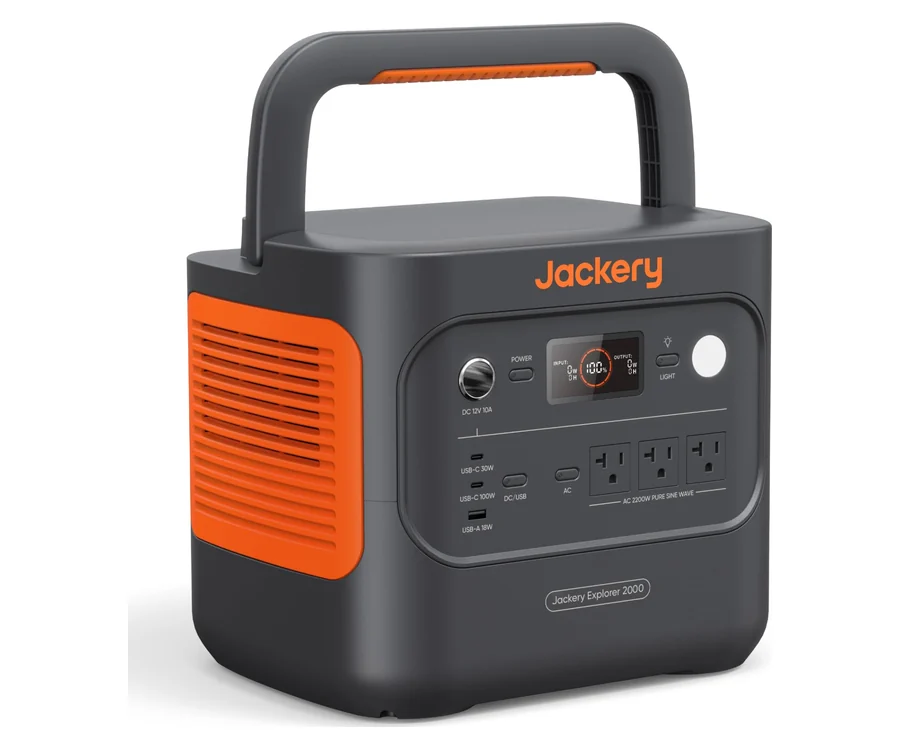 Jackery Explorer 2000 v2 | 2042Wh | View product Check Price on Amazon |
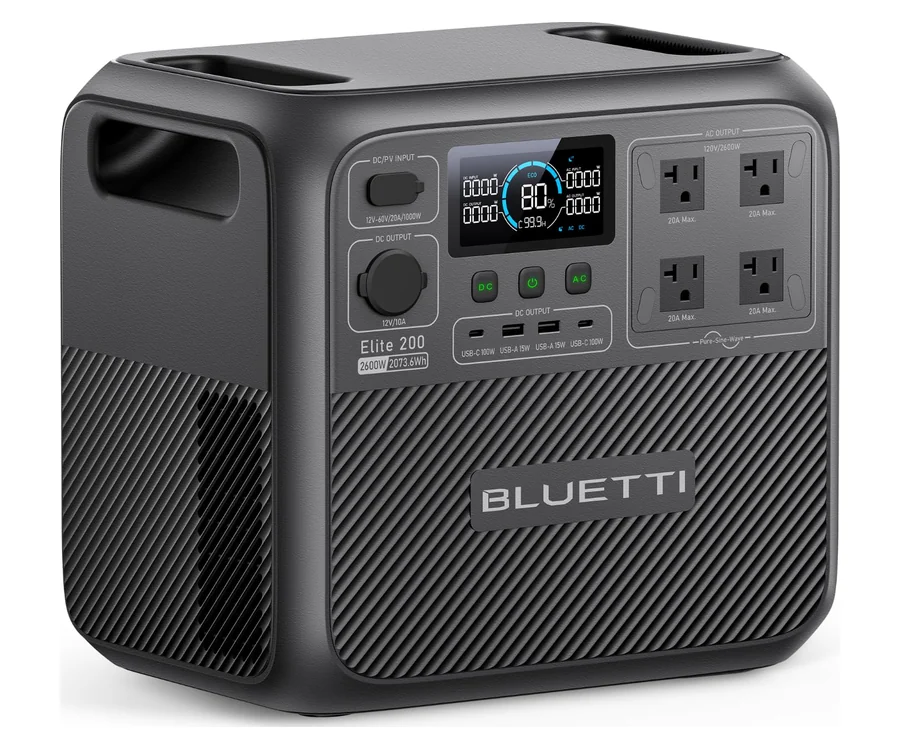 BLUETTI Elite 200 V2 | 2080Wh | View product Check Price on Amazon |
Sources and manufacturer references
References checked November 29, 2026. Specifications and availability can change.
Choose your next step
Use a related guide to resolve your remaining questions, or compare catalog models when you have a shortlist.
Compare power stations Explore products